
TL;DR: you don’t need 50 AI tools. Learn one AI assistant well (ChatGPT, Gemini or Claude), one creative tool (Canva AI or CapCut), one research tool (Perplexity) and one productivity tool (Notion AI or Google’s AI features). Then use them to do more – not to stop thinking.
AI assistants (your all-rounders)
- ChatGPT – writing, brainstorming, explaining concepts, coding help.
- Gemini – works with Google apps; great for Gmail, Docs and research.
- Claude – strong at long documents, writing and careful reasoning.
- Microsoft Copilot – built into Windows and Office.
Tip: learn to write good prompts – it’s a genuine skill. Start with Prompt Writing 101.
Research & learning
- Perplexity – answers with sources you can check.
- NotebookLM – upload notes and PDFs, get summaries and quizzes.
- Khanmigo-style tutors – AI tutoring that asks questions instead of giving answers.
How to use AI for studying without cheating: Chatgpt For Studying.
Creating content
- Canva AI – designs, presentations, image edits.
- CapCut – auto captions, templates, quick edits for Reels and Shorts.
- AI image generators – concept art, thumbnails, mood boards.
- AI voice & music tools – voiceovers and background tracks (check licences!).
More free options: Free Ai Tools Creators.
Productivity
- Notion AI – notes, plans and summaries in one place.
- Grammarly / language tools – polish emails and assignments.
- Otter / meeting note tools – transcripts for lectures and calls.
How to pick your stack
| You are… | Start with |
|---|---|
| A student | NotebookLM + an AI assistant + Perplexity |
| A creator | CapCut + Canva AI + an AI assistant |
| Job hunting | An AI assistant for resumes + LinkedIn |
| Freelancing | Your core skill tool + an AI assistant for proposals |
Use AI smartly
- Fact-check – AI can confidently make things up. See Why Gen Z Doesn’t Trust Every AI Recommendation.
- Protect your data – don’t paste passwords, IDs or private info. See Digital Privacy Tips.
- Watch for scams – deepfakes and fake “AI trading bots” are everywhere. See Spot Deepfakes Ai Scams.
- Keep your own voice – AI drafts, you decide.
FAQs
Are free versions enough?
For most students and beginners, yes. Upgrade only when a paid feature saves you real time or money.
Will using AI make me lazy?
Only if you let it think for you. Use it as a tutor and assistant, not a replacement.
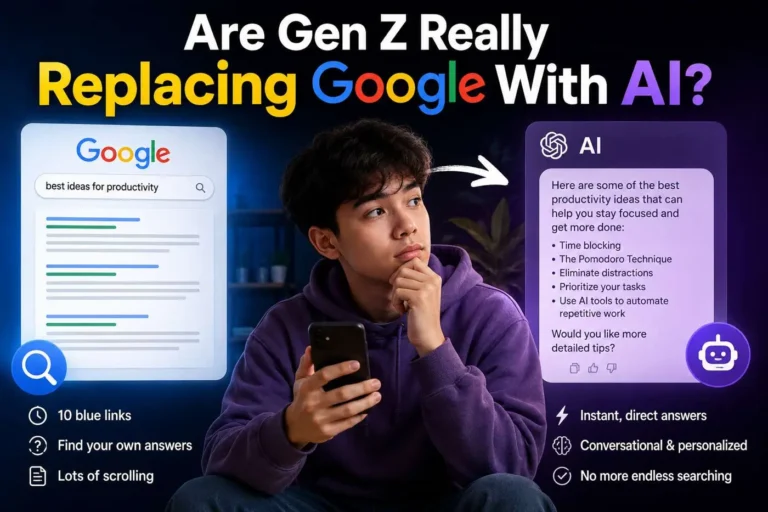
Your move: pick one tool from each category and use it on a real task this week. Then see how AI is changing search in Are Gen Z Really Replacing Google With AI?.